How to Download Street Wheelie Brasil on Android
Official Google Play install only—package checks, region tips, and how to ignore fake APK mirrors.
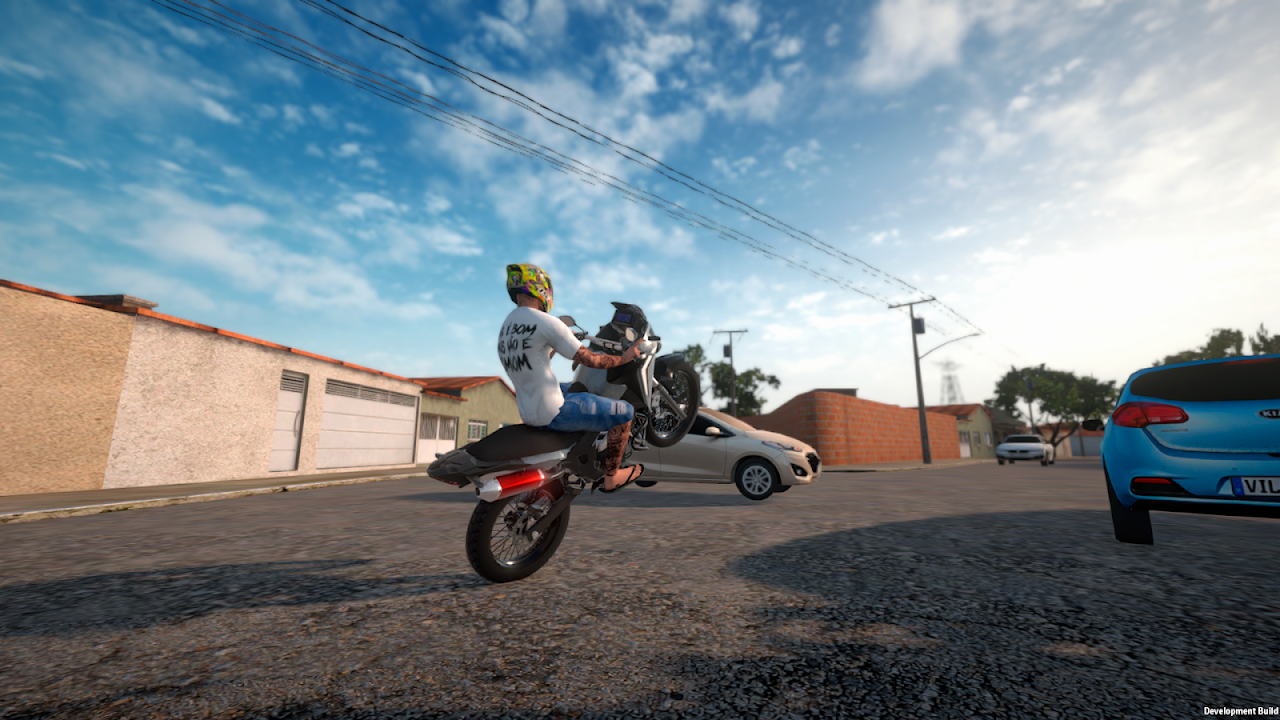
Searching como baixar Street Wheelie Brasil or “download Street Wheelie Brasil APK” usually lands you on risky mirrors. This guide is the safe path: install Street Wheelie Brasil : Online from Google Play under Villa Games Group, verify the package name, finish first launch, and continue into Getting Started. The game is a native Android title—not Roblox—so you never need scripts or sideloaded “mod menus.”
Official store facts (late 2026)
| Field | Value |
|---|---|
| Store title | Street Wheelie Brasil : Online |
| Developer | Villa Games Group / VILLA GAMES GROUP LTDA |
| Package ID | com.villagamesgroup.swb |
| Platform live today | Android via Google Play |
| Last store refresh noted here | mid-November 2026 |
| Related studio title | 157 Grau: Online RP (different package—do not confuse) |
Bookmark the Links Hub so you always open the real listing. Developer site: villagamesgroup.com. Privacy policy linked from Play: swb.villagamesgroup.com.
Step-by-step Google Play install
- Open the Google Play Store on a supported Android phone or tablet.
- Search Street Wheelie Brasil or paste the official URL from Links.
- Confirm developer Villa Games Group and package
com.villagamesgroup.swbbefore tapping Install. - Wait for the download to finish on Wi‑Fi when possible—first asset pulls are smoother on stable bandwidth.
- Launch once, keep the connection alive for account / online services, then follow Getting Started.
- Turn on Play Store auto-updates for this title so physics and optimization patches arrive without hunting files.
If the listing does not appear in your country, check that Play is signed into a normal consumer account, that the device is certified, and that parental controls are not hiding Teen-rated simulation games. Do not “fix region” with random APK blogs.
Pre-register → live download
Through October–November 2026 the community hyped pré-registro (pre-registration) on Instagram, TikTok, Discord, and YouTube. Pre-register simply watches the Play listing and notifies you when install unlocks. Once the game is live—as it is on Android now—pre-register converts into a normal Install / Open button. You do not need a separate “pre-register APK.”
If a friend still sees only wishlist or nothing at all, send them this page plus the Play URL. Avoid Discord DMs that promise “closed beta APK for J2 Prime” outside official Villa Games Group channels.
Android only for now — iPhone reality check
Comment sections constantly ask for iOS / iPhone. As of this wiki pass the live storefront remains Google Play (Android). Treat App Store claims on random TikToks as unverified until Villa Games Group posts them on Discord, YouTube, Instagram, or the developer site. Until then, iPhone friends should follow Updates rather than installing unsigned IPAs.
Fake APK and “unlimited money” traps
Reject any page that asks you to:
- Disable Play Protect to install SWB
- Download a
.apkfrom a link shortener “because Play is offline” - Run a Roblox script executor (wrong platform entirely)
- Enter your Google password on a lookalike redeem site
Those flows steal accounts and break online auth. Codes—when they exist—are redeemed in-game after you verify them on Discord; see Codes and How to Redeem.
After install: first 15 minutes
- Link the account / Google login the game offers.
- Skim Controls if the HUD feels awkward.
- On modest phones, open low-end performance and settings optimizer before long sessions.
- Practice short wheelies with How to Wheelie.
- Start earning via Jobs and Money before buying flex bikes from the Tier List.
Device and storage checklist
- Free several hundred MB before install; leave headroom for patches.
- Update Android System WebView / Play Services if login fails.
- Prefer a cool device—thermal throttling feels like sticky throttle.
- Studio messaging highlights mobile optimization for weaker phones; still close background recorders and overlays.
Related pages
- Getting Started — Day-one loop after download
- Low-end performance — Weak-phone tuning
- November 2026 Play Store notes — Latest store framing
- Links Hub — Canonical URLs
- Updates Hub — Patch and platform status
Frequently Asked Questions
Quick answers for Street Wheelie Brasil players.
Where do I download Street Wheelie Brasil safely?
Only from Google Play under Villa Games Group, package com.villagamesgroup.swb. Use the Links hub URL and skip third-party APK sites.
Is pre-registration still required?
No. Pre-register was the waitlist phase. On Android the live listing now offers Install / Open like any other Play game.
Can I play on iPhone today?
This wiki’s live storefront coverage is Android. Watch official Villa Games Group channels for any future App Store announcement.
Why do TikToks push APK files?
Many recycle malware or unrelated wheelie games. SWB should install through Play Protect like a normal Android title.
What if Play Store search finds nothing?
Open the direct listing from Links, confirm region and parental controls, and verify you are not searching a Roblox experience with a similar name.