Street Wheelie Brasil Player Tools
Practical checklists and settings helpers so your phone and habits keep up with your wheelie goals.
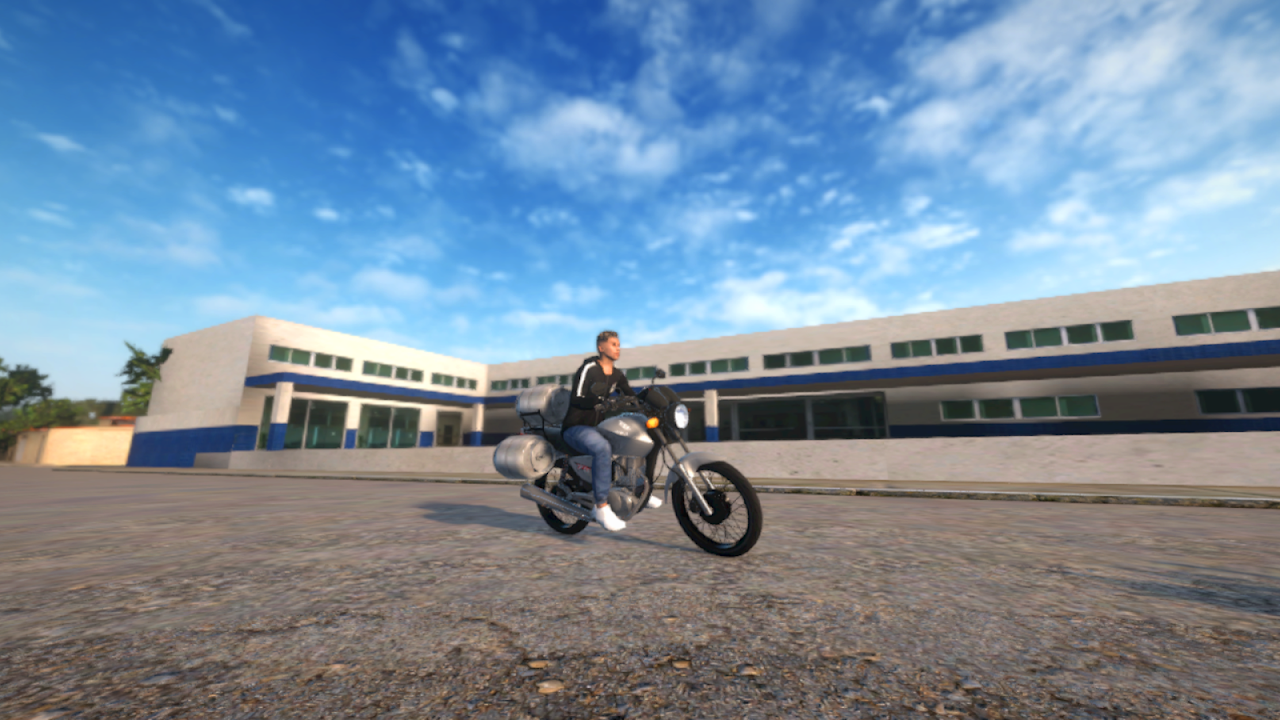
The Tools Hub collects practical, repeatable helpers for Street Wheelie Brasil—not script injectors, not APK mods, and not Roblox executors. Villa Games Group ships a legitimate Android client; these pages help you practice deliberately and tune performance on modest hardware.
Start with the child pages below, then jump into How to Wheelie and Controls when you need deeper mechanics. New accounts should still skim Getting Started so menus and currency make sense before you optimize anything.
What belongs on Tools
| Tool page | Job |
|---|---|
| Practice checklist | Session structure, measurable wheelie goals |
| Settings optimizer | Graphics, sensitivity, camera for weak phones |
If a “tool” requires sideloading a cracked APK, it does not belong here. Keep installs on Google Play via Links.
Why checklists beat doomscrolling clips
Creators make Tiger Sport 660 lines look effortless. Copying the clip without a plan usually means over-throttle, crash, repair bill, rage quit. A checklist forces:
- Warm-up on a known straight
- One skill focus per session
- A stop condition before tilt sets in
- Notes for the next ride
That loop pairs with Getting Started for new accounts and with starter bikes so you are not funding repairs on a showcase bike you cannot control. When you finally unlock a flex machine, re-run the checklist before blaming the bike—see Tiger Sport 660 for progression fit.
Settings are part of skill
Street Wheelie Brasil advertises optimization for weaker phones. Still, a thermal throttle mid-wheelie feels like a physics bug. The settings optimizer walks graphics tradeoffs, control sensitivity, and camera comfort so your inputs from Controls stay predictable after Updates.
Community comments regularly ask for lighter presets—treat that feedback as your design constraint when helping friends on mid-range Androids. A stable thirty frames with readable lean cues beats a slideshow “ultra” preset every time.
Suggested toolkit path
- Install/update from Play Store (Links).
- Run settings optimizer once on your device class.
- Follow practice checklist three short sessions.
- Read How to Wheelie for technique theory.
- Earn upgrades with jobs and money instead of chasing fake tools.
- Revisit settings after any heavy patch noted on Updates.
Using tools with the rest of the wiki
Tools answer “how do I structure tonight’s ride?” Guides answer “how does the mechanic work?” Tier lists answer “what am I practicing toward?” Keep those roles separate: do not turn this hub into another bike ranking page, and do not expect the Tier List Hub to fix your sensitivity. After a patch that changes feel, retune here first, then reassess whether your main bike still fits exhaust builds goals.
What we will not host
- Memory editors / “unlimited money” APKs
- Roblox scripts (wrong platform entirely)
- Account sellers or boost bots
- Fake code generators
For legitimate rewards see Codes. For social tools (LFG, bug mail) see Players and Discord community.
Related hubs
- Guides Hub — Long-form mechanics
- Tier List Hub — What to practice toward
- Updates Hub — When to retune after patches
- Wiki Hub — Full site map
Frequently Asked Questions
Quick answers for Street Wheelie Brasil players.
Are these official Villa Games Group tools?
No. They are unofficial player checklists and settings advice for the legitimate Android game.
Do you provide scripts or mod menus?
No. Street Wheelie Brasil is not a Roblox title, and this wiki does not host cheats or cracked APKs.
Which tool should I open first?
Settings optimizer if your phone struggles, otherwise the practice checklist paired with the how-to-wheelie guide.
Should I retune after updates?
Yes. Patches can change performance and feel—revisit settings optimizer when the Updates hub notes optimization or physics work.
Where are controls documented?
On the Controls guide. Tools pages link there for sensitivity and camera context.